 013 minWatched
What is voice of the customer?Voice of the Customer sounds simple: listen to what customers say and act on it. In practice…
SolutionVoice of customer with HyperOrbit ›Transcript ›
Orbit TV
Customer intelligence,
three minutes at a time.
24 short lessons across 4 courses, each with a 60-second version. Search every word that is said, or press play on any of them.
24 lessons65 minutes in all4 courses24 shorts0 watched
Quick hits · 24 shorts
The 60-second versions
Every lesson, cut to a minute. Skim ten ideas in ten minutes, then open the full lesson for the ones you want.
Series · 9 episodes · 16 min · 0 watched
Customer Intelligence, Explained
Short answers to the questions people ask before they ask about tools: what voice of the customer, competitive intelligence, customer success and account management actually are, and why each one fails when it runs on its own.
013 minWatched
What is voice of the customer?Voice of the Customer sounds simple: listen to what customers say and act on it. In practice…
SolutionVoice of customer with HyperOrbit ›Transcript ›
 023 minWatched
What is competitive intelligence?Most competitive intelligence tools are monitoring tools with a better name. They tell you a…
SolutionCompetitive intelligence with HyperOrbit ›Transcript ›
 033 minWatched
What is customer success?Customer Success gets defined by what it isn't: not support, not account management, not sales…
SolutionHyperOrbit for customer success ›Transcript ›
 044 minWatched
What is account management?Account Management is where retention and growth meet, and where the least information usually…
SolutionAccount intelligence with Atlas ›Transcript ›
 05Watched
AI agents in voice of the customerThe first four episodes defined the jobs. From here on we cover what changes when an agent does…
PlatformChorus, the voice of customer agent ›Transcript ›
 06Watched
AI agents for competitive intelligenceA competitor changes their pricing page at 2am. A monitoring tool posts the alert to Slack and…
PlatformRecon, the competitive intelligence agent ›Transcript ›
 073 minWatched
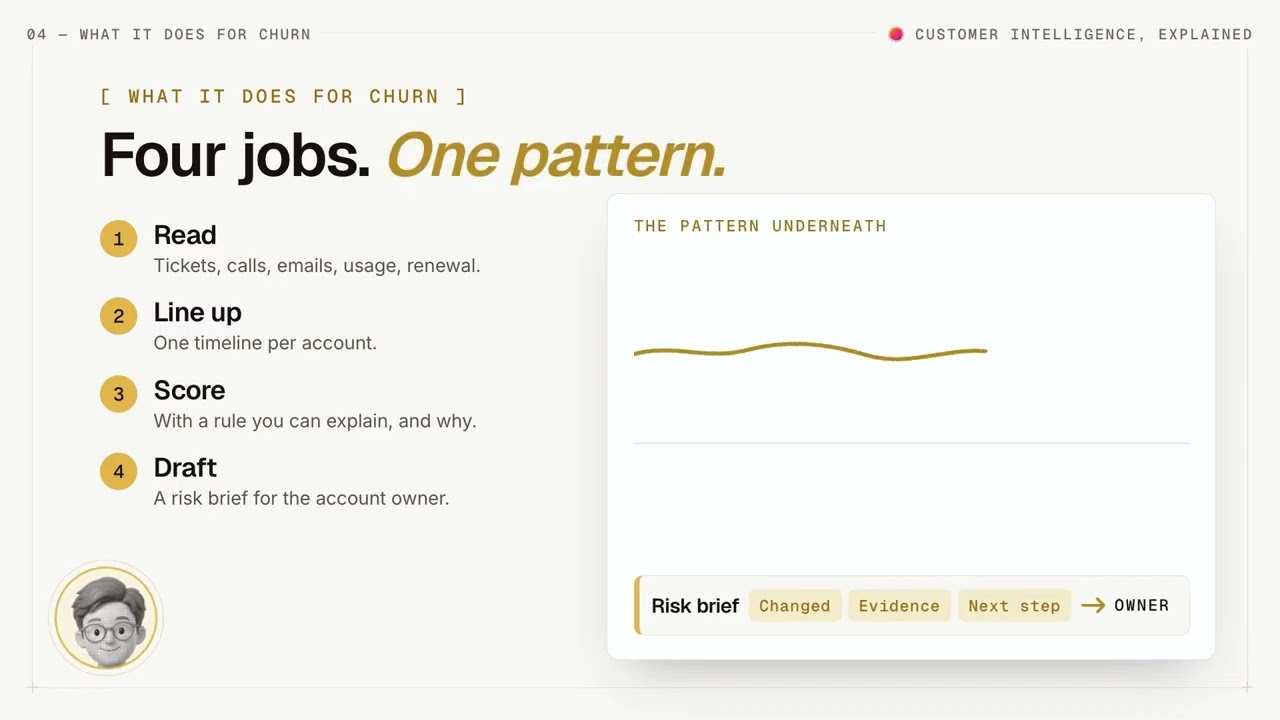
AI agents for churn predictionChurn prediction has a data problem and a timing problem. The signals that predict churn are…
SolutionChurn and renewal watch ›Transcript ›
 08Watched
AI agents for customer successAsk a CSM how they prepare for a call and they'll describe five tabs: the CRM, the support…
SolutionHyperOrbit for customer success ›Transcript ›
 09Watched
AI agents for account managementAccount management runs on a picture nobody has in one place. Who at the account matters, what…
PlatformAtlas, the account intelligence agent ›Transcript ›
Course · 5 lessons · 16 min · 0 watched
Voice of the Customer 101
Running voice of the customer as a practice rather than a survey: where feedback lives, how it becomes themes, how to rank it by what it is worth, and how to close the loop.
 013 minWatched
Voice of the customer: what it is and why it failsVoice of the Customer is one of the most-used and least-defined terms in B2B SaaS. Ask five…
AssessmentVoC maturity assessment ›Transcript ›
 023 minWatched
Where customer feedback livesBefore you can analyse customer feedback, you have to find it. Most teams think of feedback as…
GuideWhat easy integration really means ›Transcript ›
 033 minWatched
Turning feedback into themesTwo thousand pieces of feedback don't tell you anything until they become twelve themes. The…
ToolApp Review Analyzer ›Transcript ›
 043 minWatched
Prioritizing customer feedbackEvery theme in your feedback feels urgent to someone. The loudest customer, the biggest logo…
SolutionRoadmap prioritisation ›Transcript ›
 053 minWatched
Closing the feedback loopCustomers stop giving feedback when nothing comes back. Not because they're annoyed, but…
GuideThe customer brain ›Transcript ›
Course · 5 lessons · 16 min · 0 watched
Competitive Intelligence 101
Competitive intelligence for B2B SaaS teams: what it is, which competitor sources are worth watching, and how to tell a move that matters from one that does not by checking whether your customers reacted.
 013 minWatched
What is competitive intelligenceCompetitive intelligence gets confused with three things it isn't: competitor monitoring…
PostBuild or buy competitive intelligence ›Transcript ›
 023 minWatched
Competitor monitoring: what to track and what to skipCompetitor monitoring is the part of competitive intelligence every tool does and every team…
PostThe competitive intelligence stack ›Transcript ›
 033 minWatched
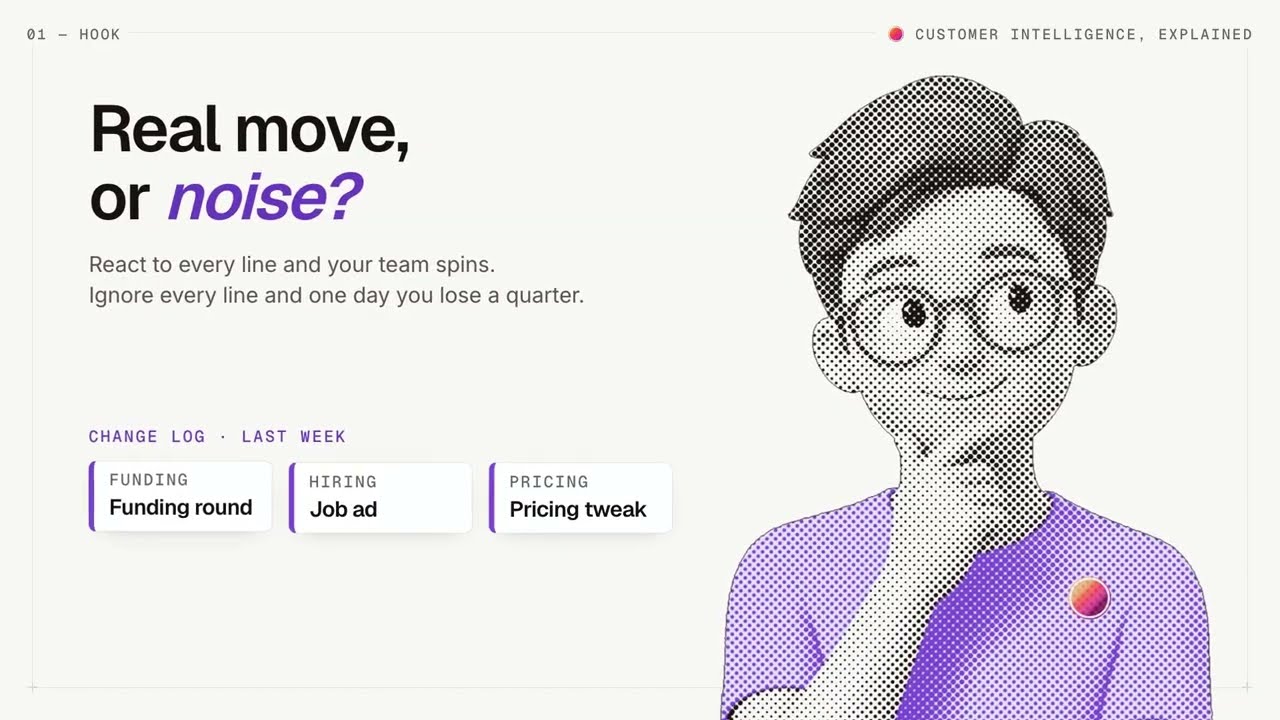
Real threat or Noise? reading competitor movesA competitor raises funding. Another ships a feature you've had for a year. A third rewrites…
PlatformCause and Effect ›Transcript ›
 043 minWatched
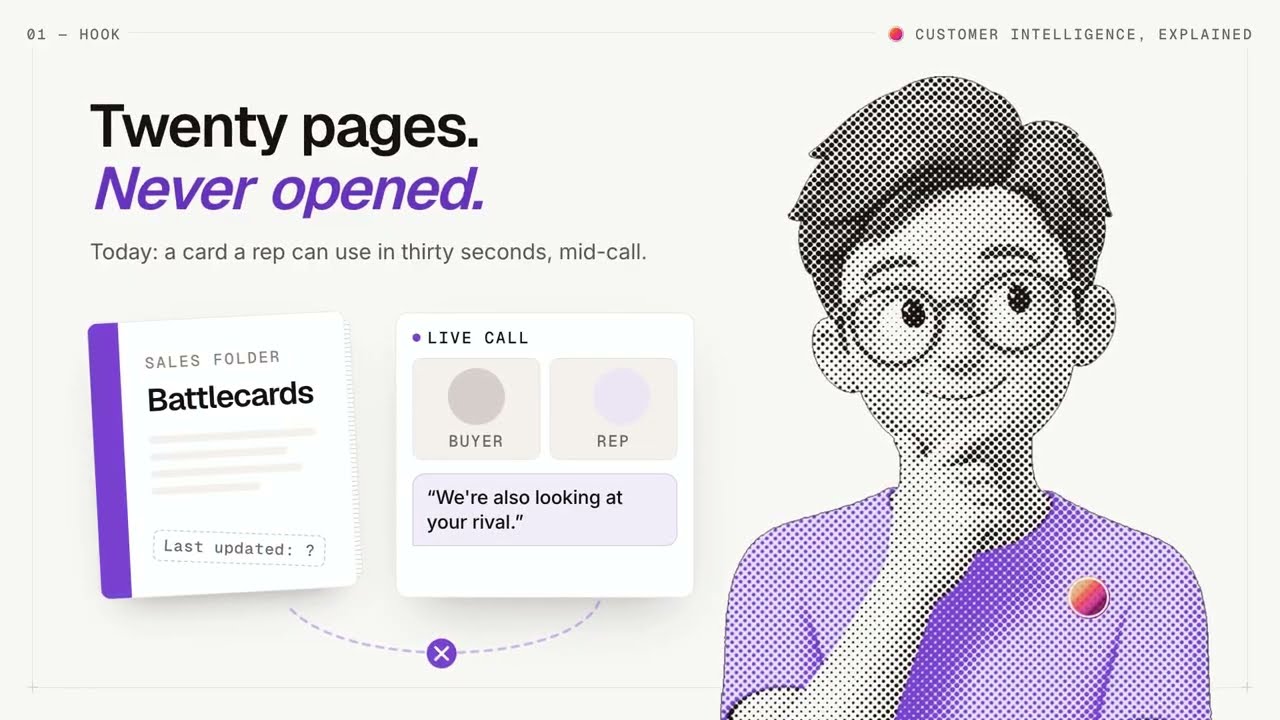
Sales battlecards reps actually useMost battlecards are written for the competitor and read by nobody. They're long, they're…
PostWhy your reps don't read competitive intel ›Transcript ›
 053 minWatched
Win loss analysis without the consultantWin-loss analysis is the most reliable source of competitive intelligence a company has, and…
SolutionWin/loss without interviews ›Transcript ›
Course · 5 lessons · 17 min · 0 watched
Churn & Retention 101
Keeping the customers you have: what churn is and is not, the warning signs that arrive before the cancellation, health scores that mean something, predicting churn early, and saving the accounts that are drifting.
 014 minWatched
What customer churn actually isEveryone tracks churn. Far fewer agree on what it is. Logo churn, revenue churn, gross and net…
SolutionChurn and renewal watch ›Transcript ›
 023 minWatched
Churn warning signs most teams missBy the time a customer tells you they're leaving, they decided weeks ago. The evidence was…
PostThe six early warning signs a customer is about to churn ›Transcript ›
 033 minWatched
Customer health scores explained (and why they lie)A customer health score is supposed to tell you which accounts are at risk. In most companies…
PlatformAtlas, the account intelligence agent ›Transcript ›
 043 minWatched
Predicting churn early: signals to forecastKnowing an account is unhealthy today is useful. Knowing which accounts will be unhealthy in…
GuidePredict B2B SaaS churn from support and call signals ›Transcript ›
 053 minWatched
Saving at-risk accounts before renewalPredicting churn is worthless if the prediction sits in a report. The last step is the…
SolutionHyperOrbit for customer success ›Transcript ›
New lessons, most weeks
Get the next lesson when it lands.
FAQ
About Orbit TV
Where do the videos come from?
From the HyperOrbit YouTube channel. Orbit TV groups them by playlist and puts them in lesson order; nothing is uploaded here. Subscribe on YouTube to be told when a lesson is added.
Why do you ask for my name and email?
The first lesson plays without asking. From the second lesson on, and to open a transcript, we ask once for your name and an email address, any address, and this browser then remembers you. It lets us see which lessons are worth making more of, and send an occasional note when one lands.
How does the search work?
It looks through the transcript of every lesson, not only the titles, and shows the sentence that matched. Type a question or a topic; the results play when you click them.
Does pressing play send anything to YouTube?
Only when you press it. Until then the page shows still images from our own server. On play, the video loads from youtube-nocookie.com, Google's privacy-enhanced player, which does not set advertising cookies. The privacy policy has the detail.
What are the links under each lesson?
The guide, tool, post or page that goes with the lesson, so you can try what it teaches on your own data, and the lesson's own page with its notes and full transcript.
In what order should I watch?
Start with episode one of Customer Intelligence, Explained if you want the map, or with lesson one of either 101 course if you already know which practice you are building. Lessons you have played are ticked in your browser so you can pick up where you left off.
Can I use the videos in my own team's training?
Yes. Link to the lesson page or the YouTube video; both are free.
Every signal, on one orbit
Connect your first source in an afternoon. The first pass lands before your next standup.
Book a demo